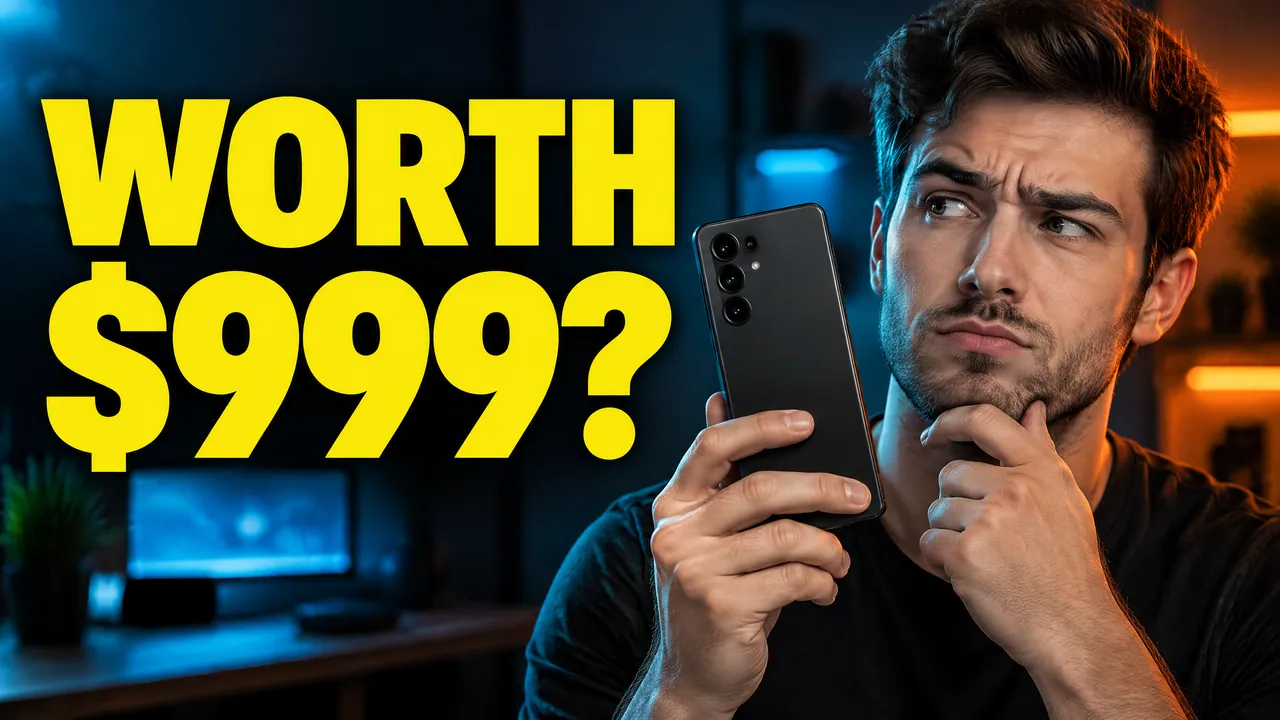
Tech Review Portrait Composite
Phone selfie upload → studio rim light with bold "WORTH $999?" text.
Use this AI thumbnail generator to turn a prompt or portrait photo into a 16:9 YouTube thumbnail with sharp, readable hook text—free credits at sign-up.
"QUOTES" for sharp typography.0 / 20,000Get free credits when you sign up and check in daily.
Real YouTube and vertical video thumbnails generated from plain-English prompts and uploaded creator photos—each with high-contrast subjects and legible title lettering.
Phone selfie upload → studio rim light with bold "WORTH $999?" text.
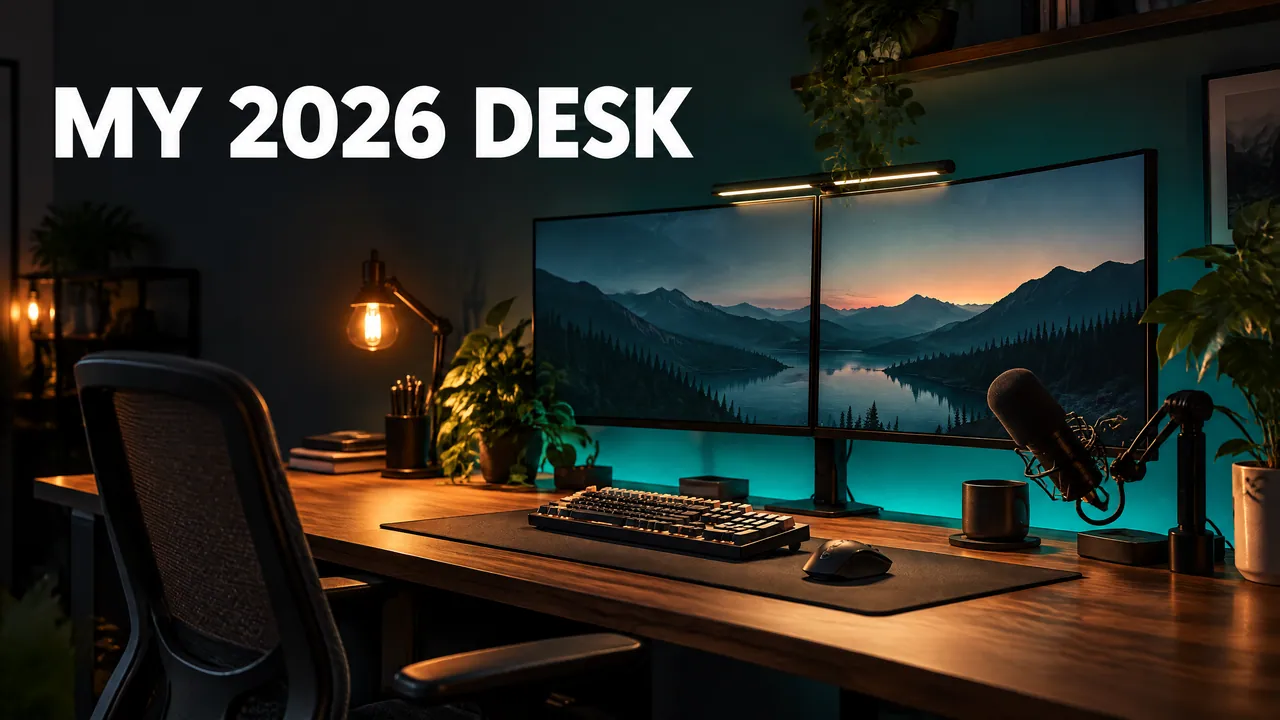
Daylight desk snapshot → moody neon key light and "MY 2026 DESK" title.
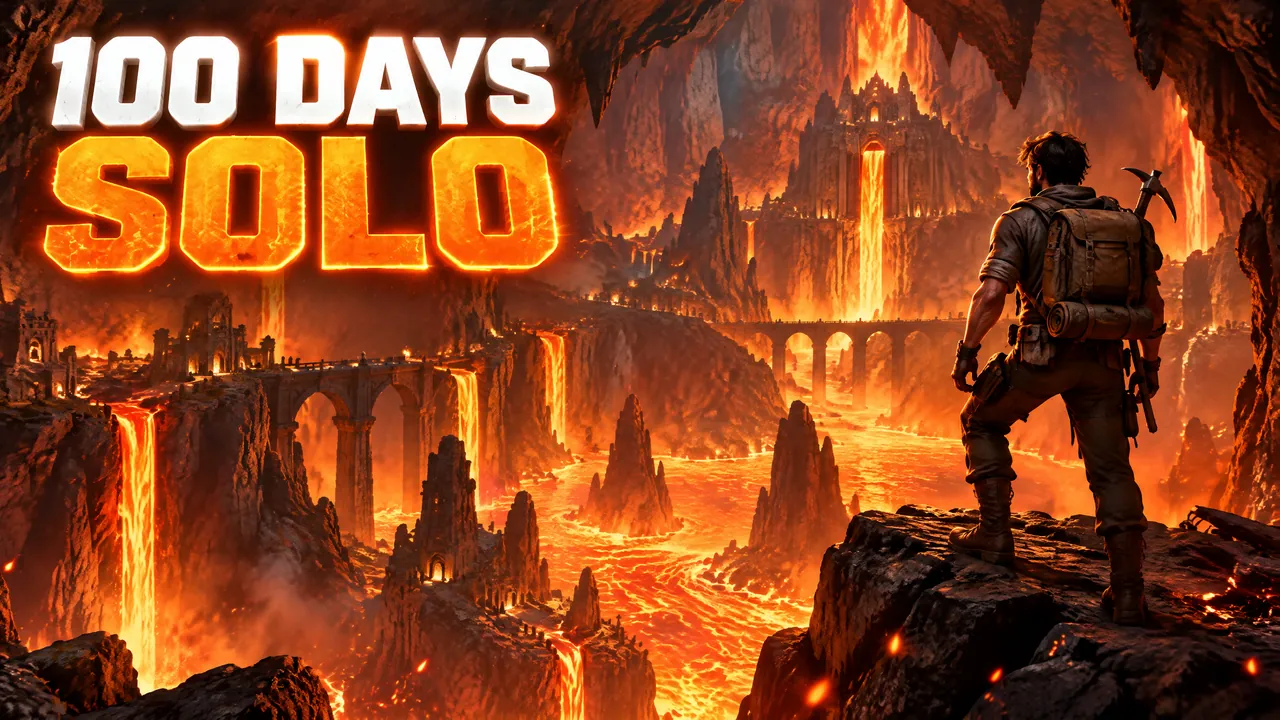
Text prompt → dramatic cavern scene with glowing "100 DAYS SOLO" hook.
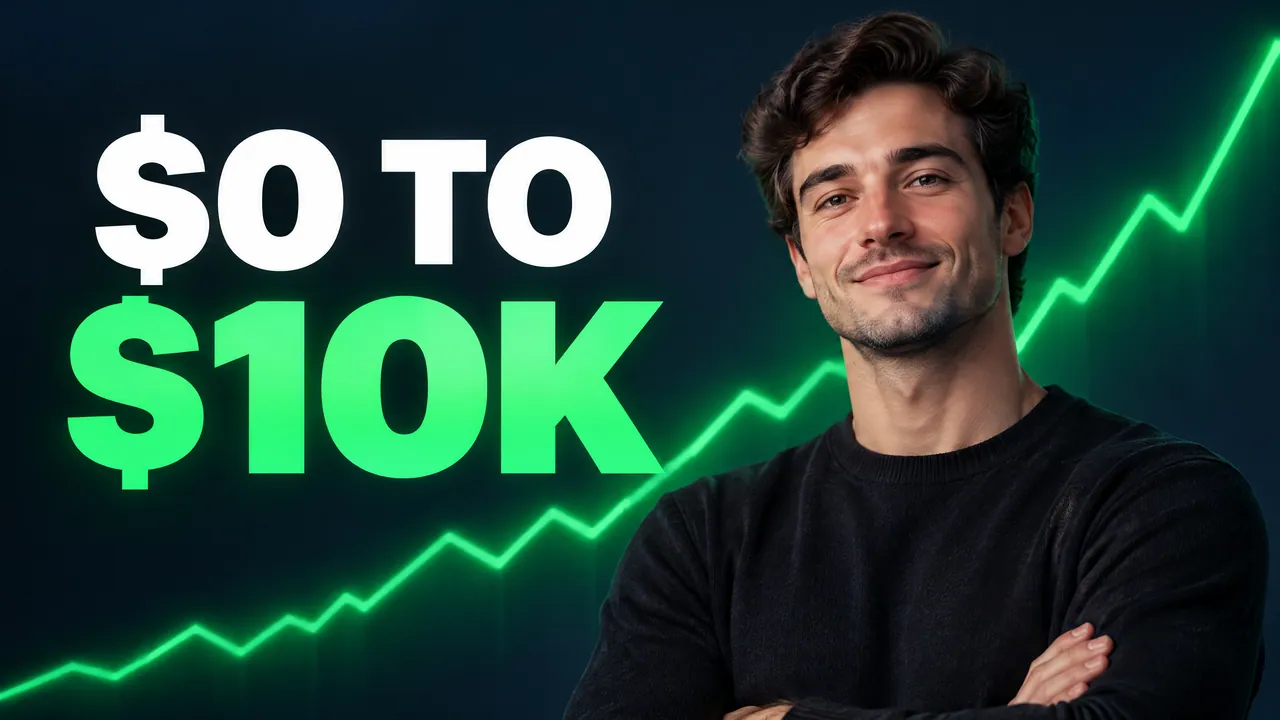
Text prompt → split-contrast chart backdrop with clean "$0 TO $10K" lettering.
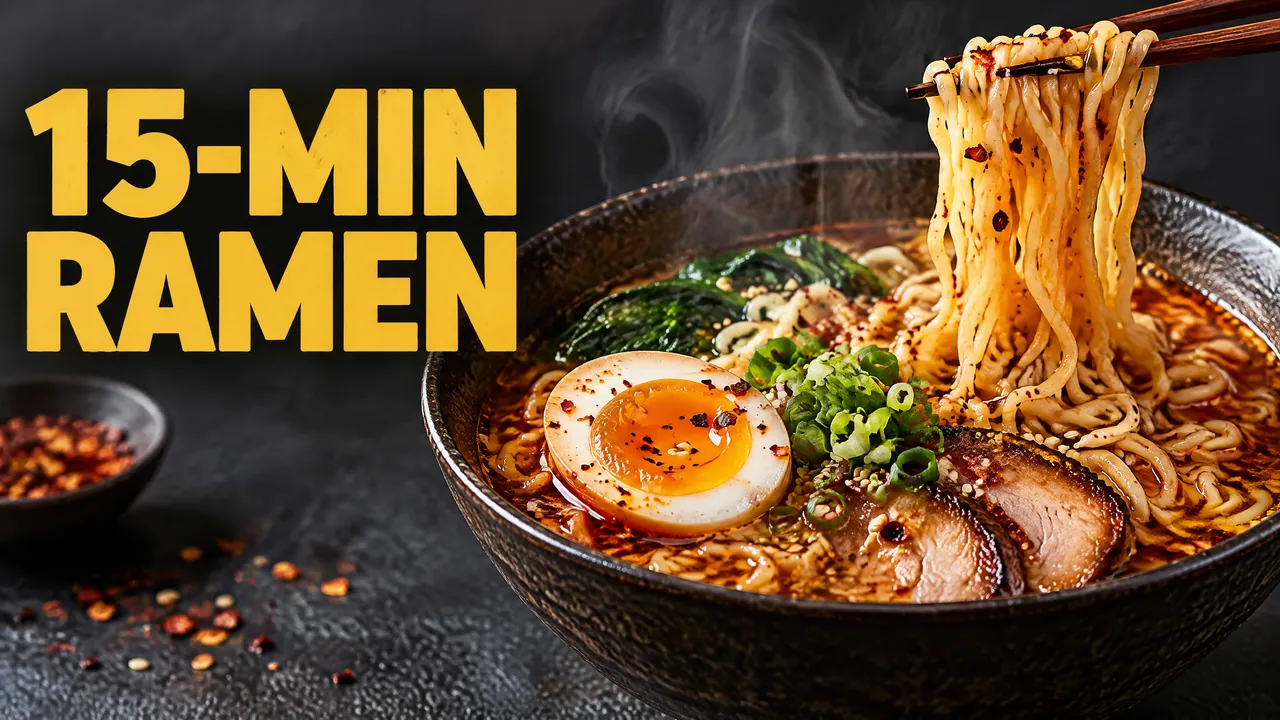
Kitchen counter photo → rich steam highlights and "15-MIN RAMEN" headline.

Text prompt in 9:16 → mobile-safe vertical thumbnail reading "LEARN PYTHON FAST".
Go from a video topic or camera roll selfie to a finished thumbnail in three steps.
Drop in a portrait, reaction face, product shot, or game screenshot to anchor your subject, or start from a text prompt alone.
Pick 16:9 for YouTube or 9:16 for Shorts, describe your background and lighting, and put your two-to-five-word headline inside quotation marks.
Click Generate, tweak the prompt if you want a new color mood, download your thumbnail, or open our AI Image Generator for batch variations.
Viewers judge your video thumbnail before reading your title. Every YouTube cover you build focuses on readable mobile typography, expressive subjects, and clean 16:9 framing.
Most YouTube impressions happen on phone screens where tiny, warped lettering kills curiosity. Put your two-to-five-word hook inside quotation marks—such as "DON'T BUY THIS" or "7-DAY RESET"—and specify bold yellow, white, or red typography. This AI YouTube thumbnail generator places crisp, accurately spelled lettering right into the scene composition so your headline and lighting look unified rather than pasted on afterward.
Recording an expressive reaction face is easy, but cutting out hair edges and matching studio rim lighting takes far too long. Upload your selfie or product photo as a reference image and describe the environment you want behind it. GenImageAI preserves your facial expression or product shape while rebuilding background depth, color contrast, and directional key light around your subject.
Long-form YouTube videos need horizontal 16:9 thumbnails with open negative space on one side for text, while YouTube Shorts, Reels, and TikTok videos need vertical 9:16 framing that avoids UI overlays near the bottom edge. Select your target aspect ratio before generating so subjects, sightlines, and headlines are composed natively for that canvas instead of awkwardly cropped later.
Crowded thumbnails with five competing elements blend into the home feed. Describe one clear foreground subject, one contrasting background color pair—like warm orange rim light against deep navy—and one focal headline. Our AI thumbnail maker separates foreground and background depth automatically, giving small video preview cards clear visual punch in both dark mode and light mode feeds.
Sometimes a close-up reaction thumbnail outperforms a wide before-and-after split, and you only find out once you compare both side by side. Keep your core video topic in the prompt box, swap a single line—such as changing a portrait shot to a clean product macro—and generate fresh thumbnail directions without rebuilding complex project layers from scratch.
Different YouTube audiences respond to distinct visual cues. Tailor lighting, composition, and lettering style to the exact video format your channel publishes.
Place headphones, laptops, or smartphones under crisp studio key lighting with a clean split background and a direct two-word verdict like "WORTH IT?" so shoppers immediately grasp the comparison stakes in their YouTube feed.
Generate stylized 3D, anime, or dramatic fantasy thumbnails with saturated rim glow, expressive boss encounters, and bold arcade-style episode titles built for survival challenges, speedruns, and major patch breakdowns.
Combine a clear visual metaphor—like a clean dashboard card, code window, or before-and-after diagram—with high-contrast three-word thumbnail labels that signal an immediate, practical takeaway for search-driven learners.
Upload a candid portrait from your phone, swap a cluttered room for golden-hour travel scenery or a dramatic gym backdrop, and render a bold challenge hook like "30 DAYS LATER" cleanly across the frame.
Pair an expressive speaker portrait with dark-studio rim lighting, subtle chart or document props, and sharp numeric hooks such as "$100K LESSON" that stay legible inside suggested-video sidebars.
Four prompt habits help you get clean YouTube thumbnail compositions and accurate lettering faster.
Short phrases read faster than sentences. Wrap exact words in quotes—like "STOP DOING THIS" in bold white sans-serif, top-left—and leave details for your video title.
Specify where your subject sits: place the portrait on the right third with a clean dark gradient on the left reserved for large yellow text.
Pair opposing tones—like cyan rim light against a dark charcoal background—to stand out on phones. Browse more examples in our GPT Image 2 Prompt Guide.
Upload a well-lit, uncropped selfie or product shot with clear edges so image-to-image generation preserves facial identity and details accurately.
Switch between integrated image models inside the generator dropdown depending on whether your cover prioritizes typography, portrait realism, or stylized art.
Best for thumbnails with quoted English hook text, structured split-screen layouts, and multi-image reference edits up to 4K resolution.
Best for lifelike creator portraits, natural skin texture, consistent facial identity from uploaded selfies, and crisp studio product shots up to 4K.
Best for cinematic contrast, dramatic rim lighting, and rich 2K or 4K illustration depth—also available on our dedicated Seedream AI Image Generator page.
Best for punchy color contrast, bold character expressions, and stylized conceptual covers in 16:9 widescreen or 9:16 vertical ratios.
Best for quick early layout drafts when you want to test composition ideas before rendering your final high-resolution cover.
Answers to common questions about free credits, YouTube sizing, portrait uploads, and commercial rights before you generate your first cover.
An AI thumbnail generator creates custom video cover images from a text description or an uploaded reference photo. Instead of arranging stock cutouts by hand, you describe your subject, lighting, aspect ratio, and short quoted title, and GenImageAI renders a cohesive 16:9 or 9:16 cover ready for video platforms.
Yes—you get free credits when you sign up, plus additional free credits through daily check-in. Creating an account is required when you click Generate, and each generation uses credits based on the model and resolution you select. When you need higher volume, you can upgrade anytime on our pricing plans.
Choose the 16:9 aspect ratio in the generator above, type a prompt describing your focal subject and background, and put your two-to-five-word hook inside quotation marks. You can also upload a portrait or product photo first, then click Generate to produce and download your cover.
Yes, on any paid plan. Paid plans include commercial use for everything you generate—ads, storefronts, client work, monetized YouTube channels, and print. Free credits are for personal and evaluation use only, so upgrade on our pricing plans before using generated covers on commercial or client videos.
Unlike fixed template editors that recycle the same layouts, an AI thumbnail maker generates custom lighting, scenes, and integrated lettering tailored to your prompt or photo. Compared with our broader AI Graphic Generator for posters and social ads, this page is tuned specifically around 16:9 and 9:16 video covers.
Yes—upload a clear portrait, reaction face, or product photo in the generator before clicking Generate. Describe the new background, lighting style, and any quoted headline text in your prompt, and the image-to-image workflow composites your subject into the new 16:9 or 9:16 scene without manual masking.
You can select 16:9 widescreen for standard YouTube videos, 9:16 vertical for YouTube Shorts, Reels, and TikTok covers, as well as 1:1, 4:3, and 3:4 for community posts and podcasts. Depending on your chosen model, you can generate crisp outputs in 1K, 2K, or 4K resolution.
Keep your on-image hook to two to five words and place the exact phrase inside quotation marks in your prompt, such as "WORTH THE HYPE?". Choose a text-strong model, specify high-contrast lettering colors against an uncluttered side of the frame, and re-run a quick variation if you want alternate placement.
Type a prompt or upload a portrait above, pick 16:9 or 9:16, and generate your next video thumbnail with free sign-up credits.