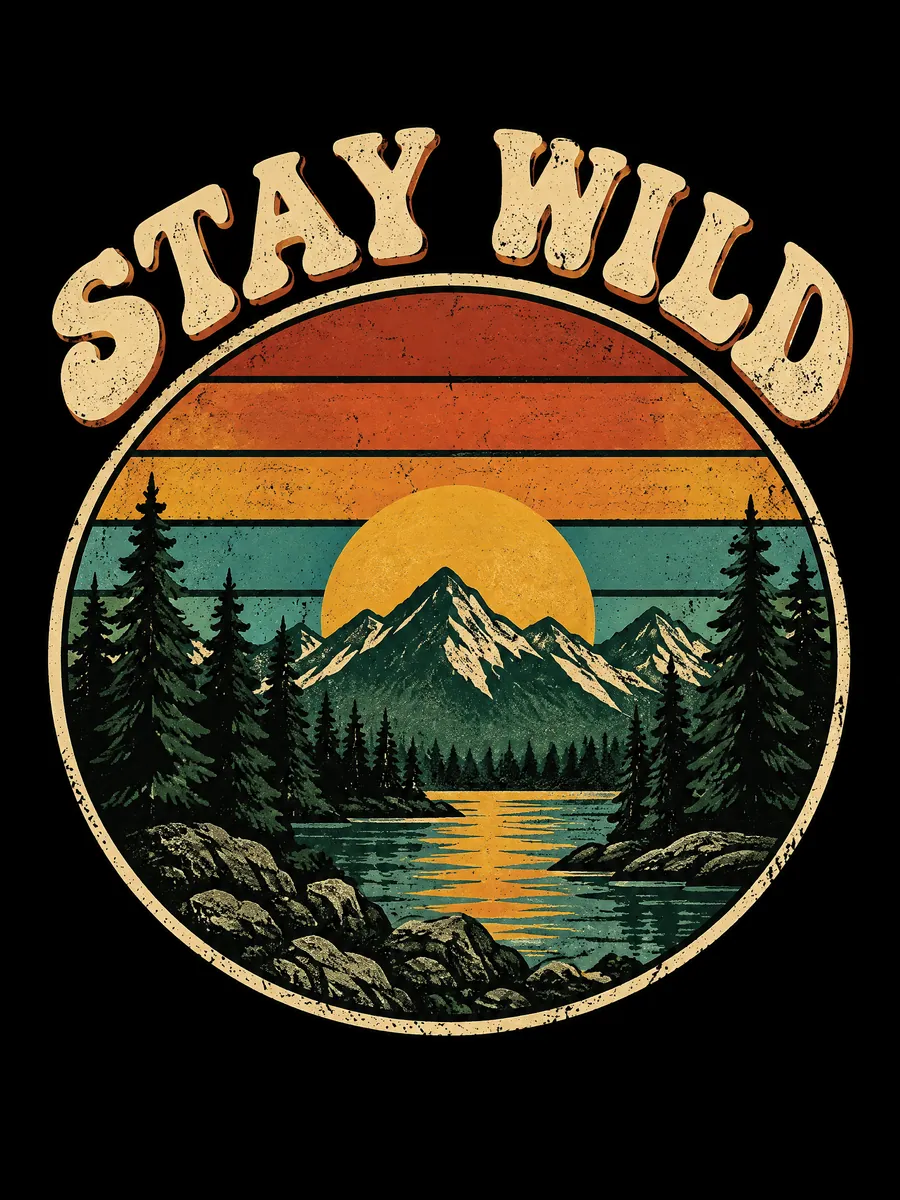
Distressed 70s Retro Sunset Badge
Arched varsity lettering reading "STAY WILD" above striped retro mountains.
Turn any text prompt or reference sketch into print-ready graphic tees and sharp slogan artwork with our AI T shirt design generator—start creating with free credits after sign-up.
Get free credits when you sign up and check in daily.
Browse real chest graphics, vintage badges, and image-to-image apparel remixes generated from short text prompts and uploaded sketches.
Arched varsity lettering reading "STAY WILD" above striped retro mountains.
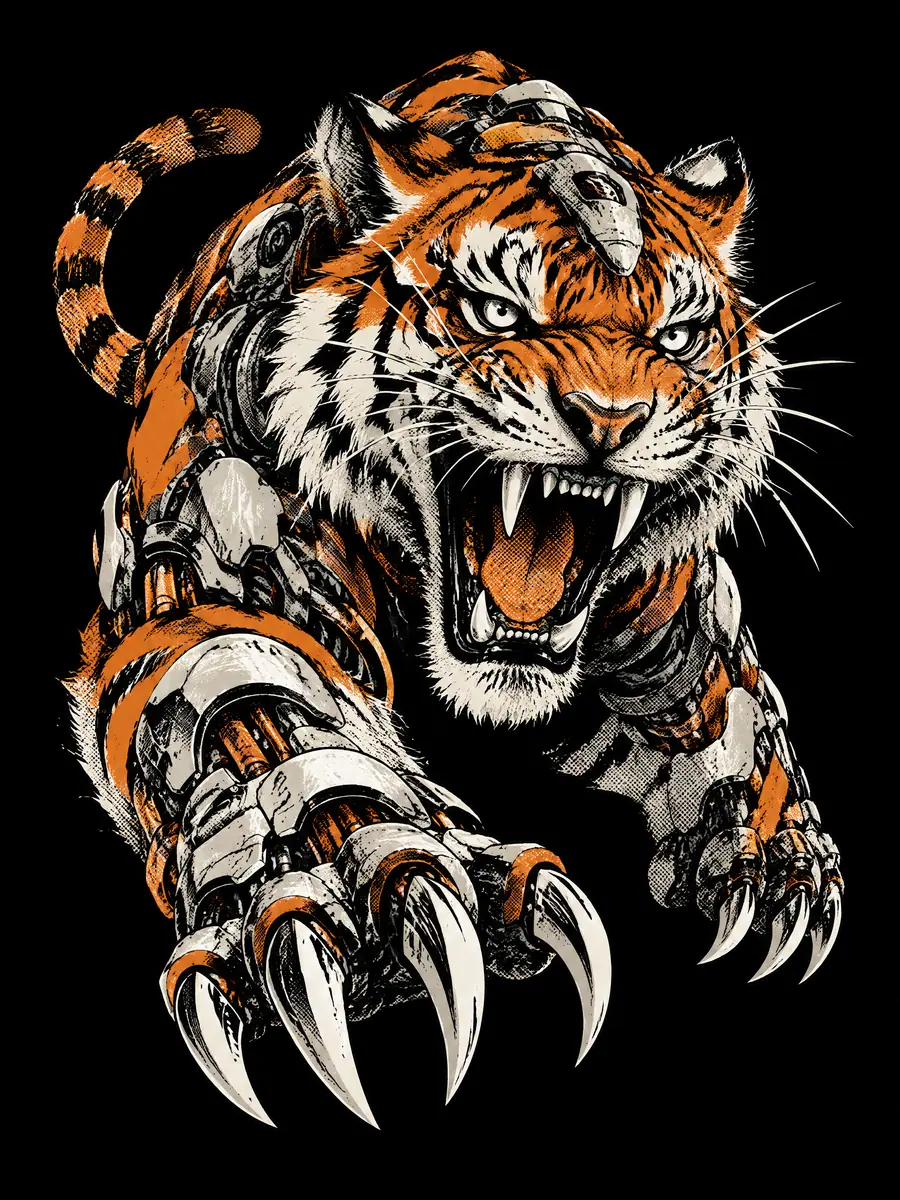
Roaring cybernetic tiger with halftone screen-print shading on solid black.
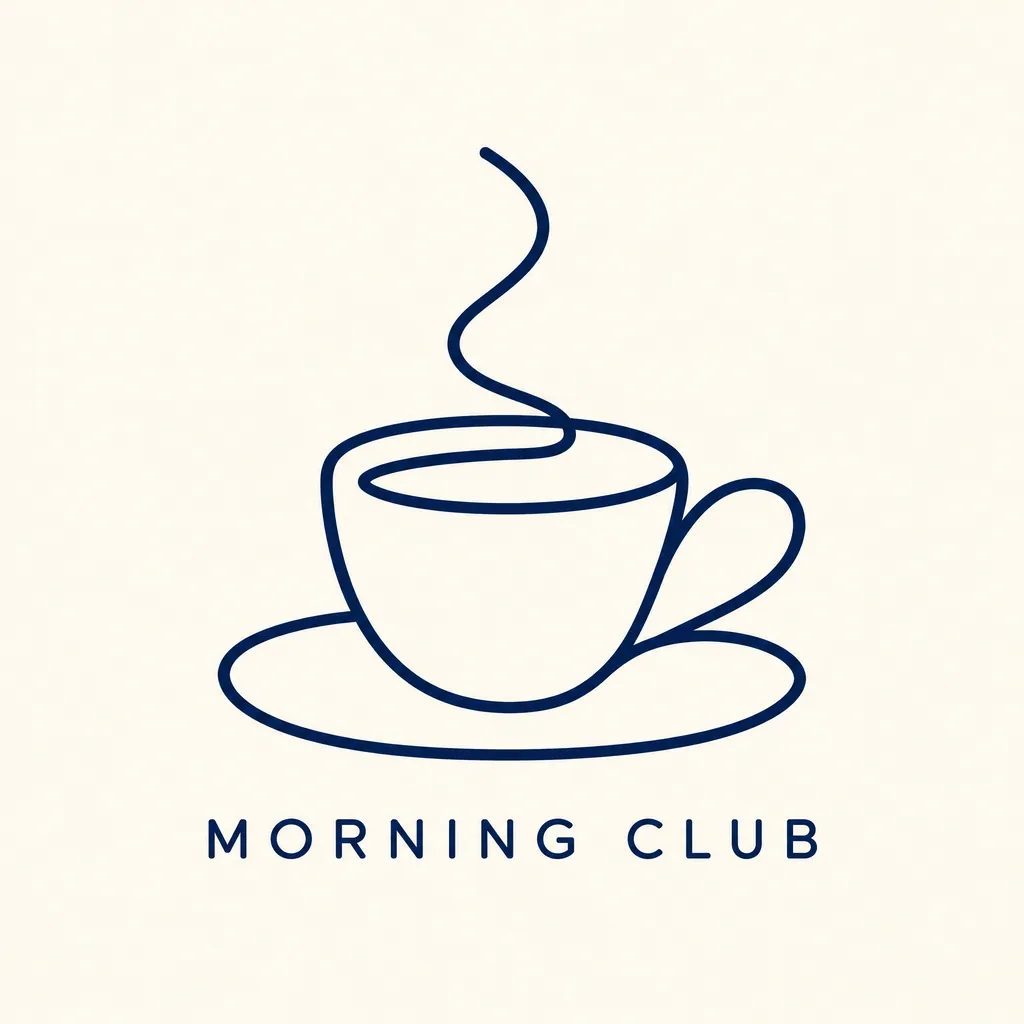
Clean cream single-line espresso cup emblem with crisp "MORNING CLUB" type.
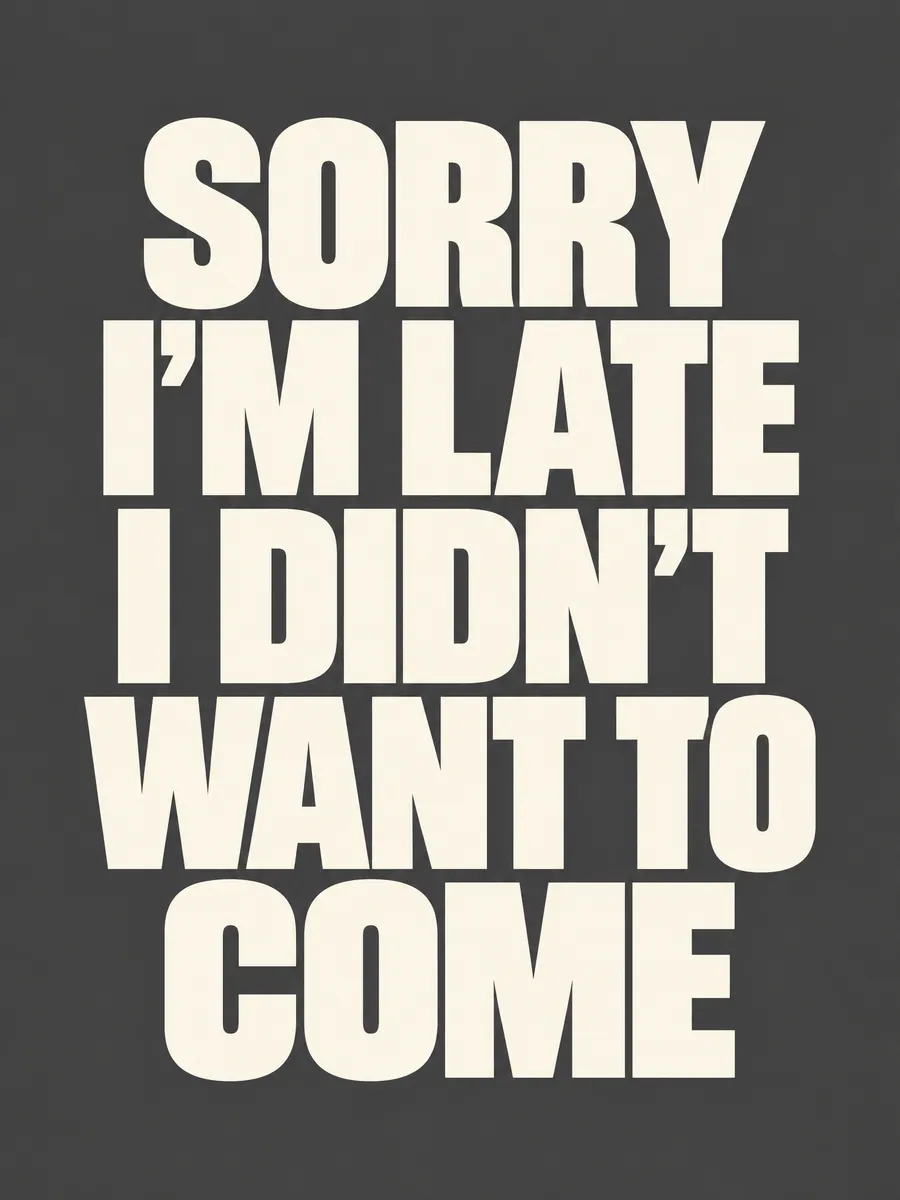
High-contrast stacked block typography centered cleanly for dark cotton blanks.
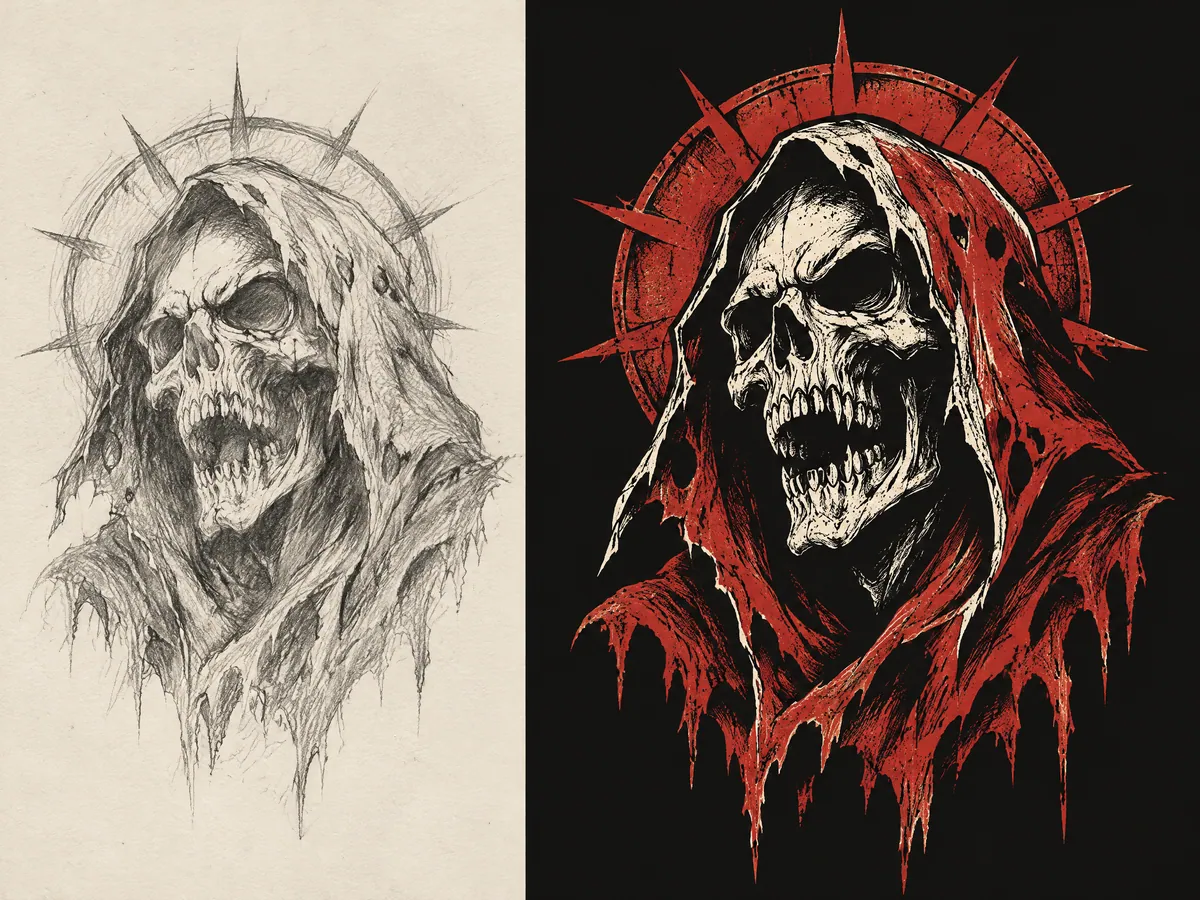
Notebook pencil sketch restyled into three-color distressed screen-print apparel art.
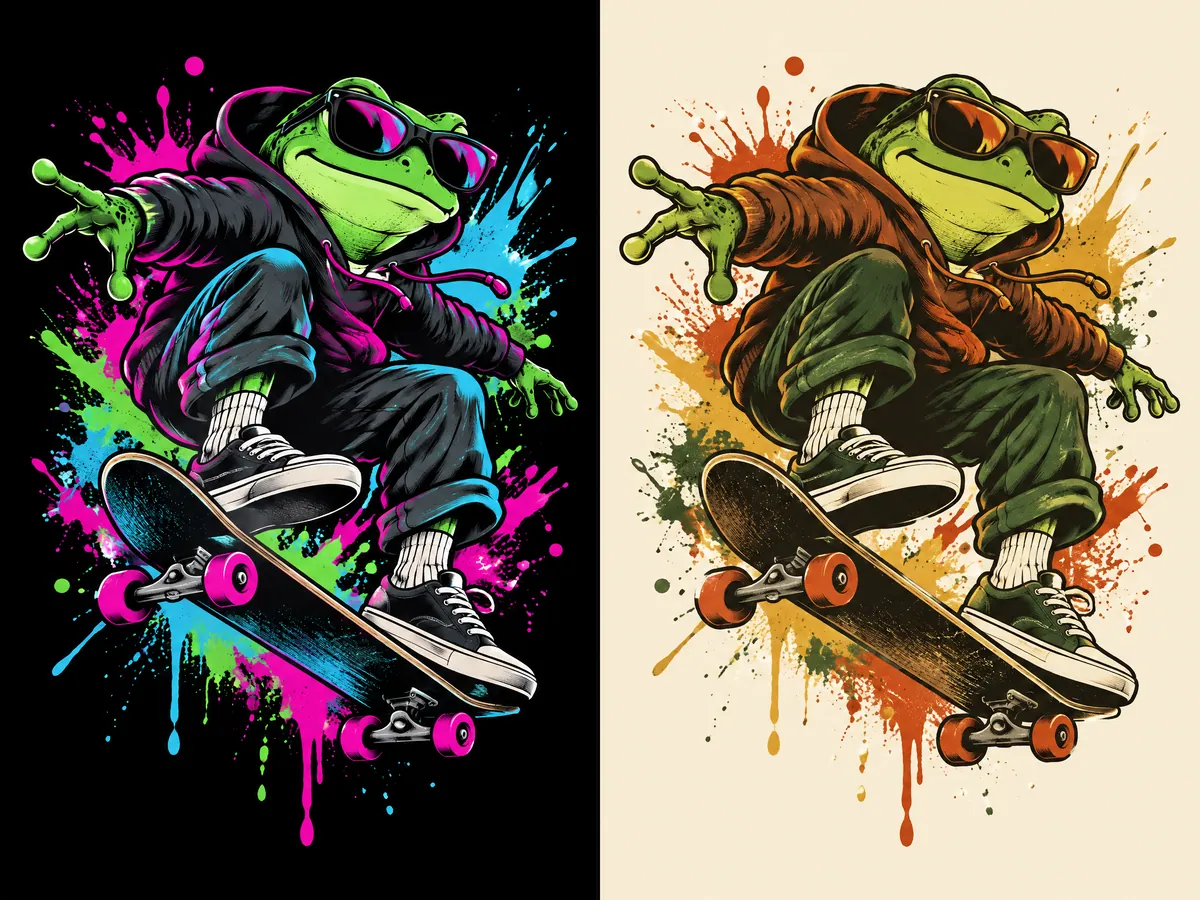
Original dark-tee mascot adapted into muted vintage ink for cream shirts.
Go from a rough apparel concept to a high-resolution PNG graphic in three straightforward steps.
Type your subject, art style, and exact shirt wording inside quotation marks, or upload an existing logo or sketch in image-to-image mode.
Select 3:4 or 4:5 for full-front chest and back prints or 1:1 for emblems, then pick your preferred image model and up to 4K resolution.
Click Generate, tweak colors or lettering with a quick follow-up prompt, and download your high-resolution PNG—or switch to our AI Image Generator for broader multi-format creative projects.
Generic diffusion tools often misspell shirt quotes or fill the frame with messy scenery. Every control in this AI t-shirt design generator helps you produce isolated, legible artwork suited for garment printing.
Quotes, varsity arches, club names, and established-year badges render with crisp letterforms instead of scrambled characters. Put your exact wording inside quotation marks—such as "WEEKEND RUN CLUB · EST. 2026"—and get balanced kerning, clean serifs, or bold distressed block lettering that reads clearly from across the room on printed cotton tees, heavyweight hoodies, tank tops, and fleece crewnecks.
Full-bleed photographic backgrounds create harsh rectangular borders when printed on fabric. By prompting for centered chest artwork with clean outer contours on a solid white, black, or cream backdrop, you get self-contained apparel illustrations with crisp edge separation that are straightforward to prep in external background-removal tools before sending final print files to a direct-to-garment or screen printer.
Already have a rough tablet doodle, a brand mascot, or a winning graphic that needs seasonal variations? Upload up to 16 reference images on supported models and instruct this AI shirt design generator to swap the slogan, shift the ink palette from light tees to black blanks, or build a cohesive five-shirt capsule collection without redrawing every single illustration from zero.
Shirt placement dictates aspect ratio before you write a single word. Choose vertical 3:4 or 4:5 proportions to frame full-front graphics and oversized streetwear back prints naturally, or switch to 1:1 for left-chest badges, sleeve marks, and emblem crests. Selecting 2K or 4K output delivers sharp line work, smooth curves, and clean halftone detail at physical garment scale.
Test multiple merch niches in one workspace without commissioning separate custom artwork for every aesthetic. Generate 1970s faded national-park badges, heavy-metal chrome lettering, clean flat-color vector-style icons, kawaii sticker art, or bold pop-art portraits—and switch over to our AI Graphic Generator whenever you need matching posters, stickers, flyers, or promo visuals for your store launch.
Whether you test daily print-on-demand niches or make one custom shirt for an upcoming event, an AI t-shirt design generator lets you produce focused apparel artwork without complex layout software.
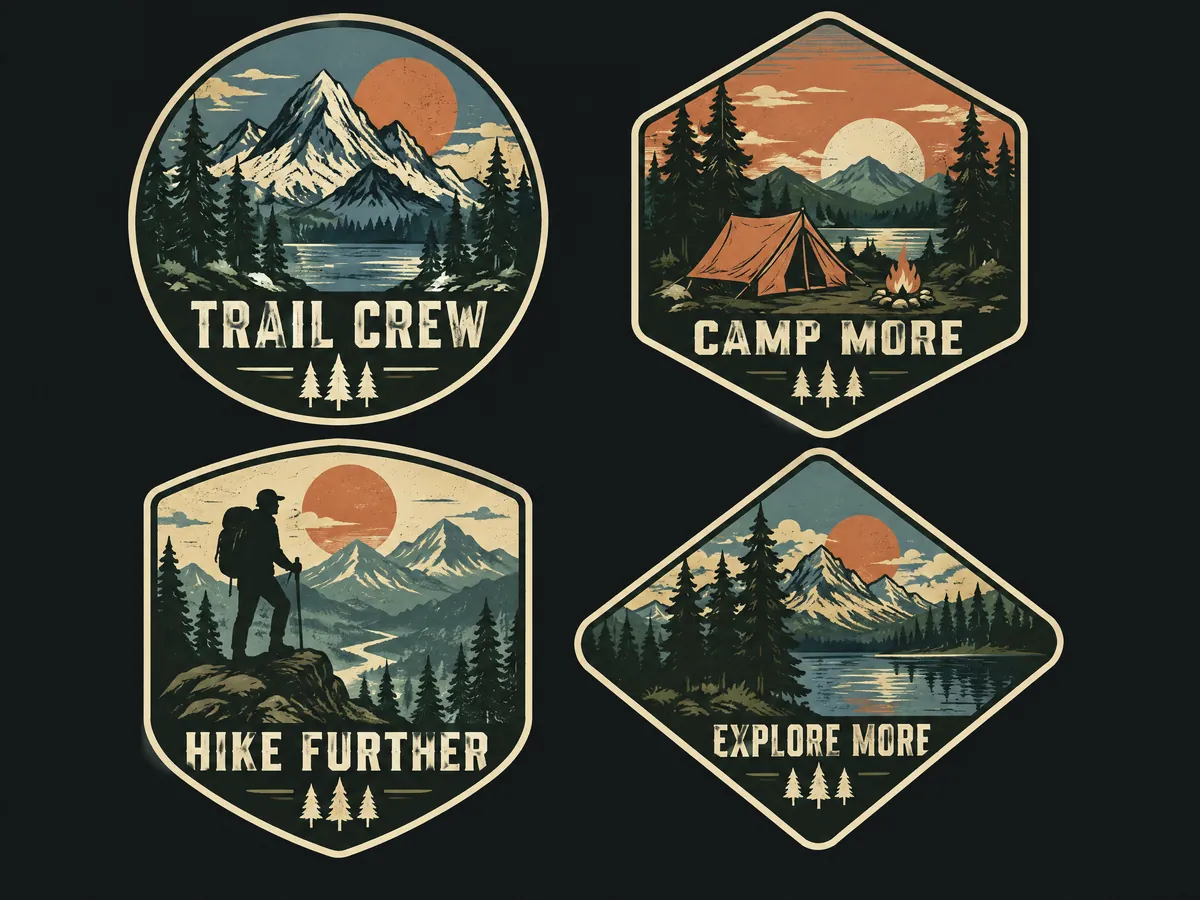
Validate micro-niches faster by generating ten original retro camping, pet-lover, coffee, or profession-themed slogan graphics in a single afternoon, ready for quick background cleanup and listing across your online apparel and merch storefronts.
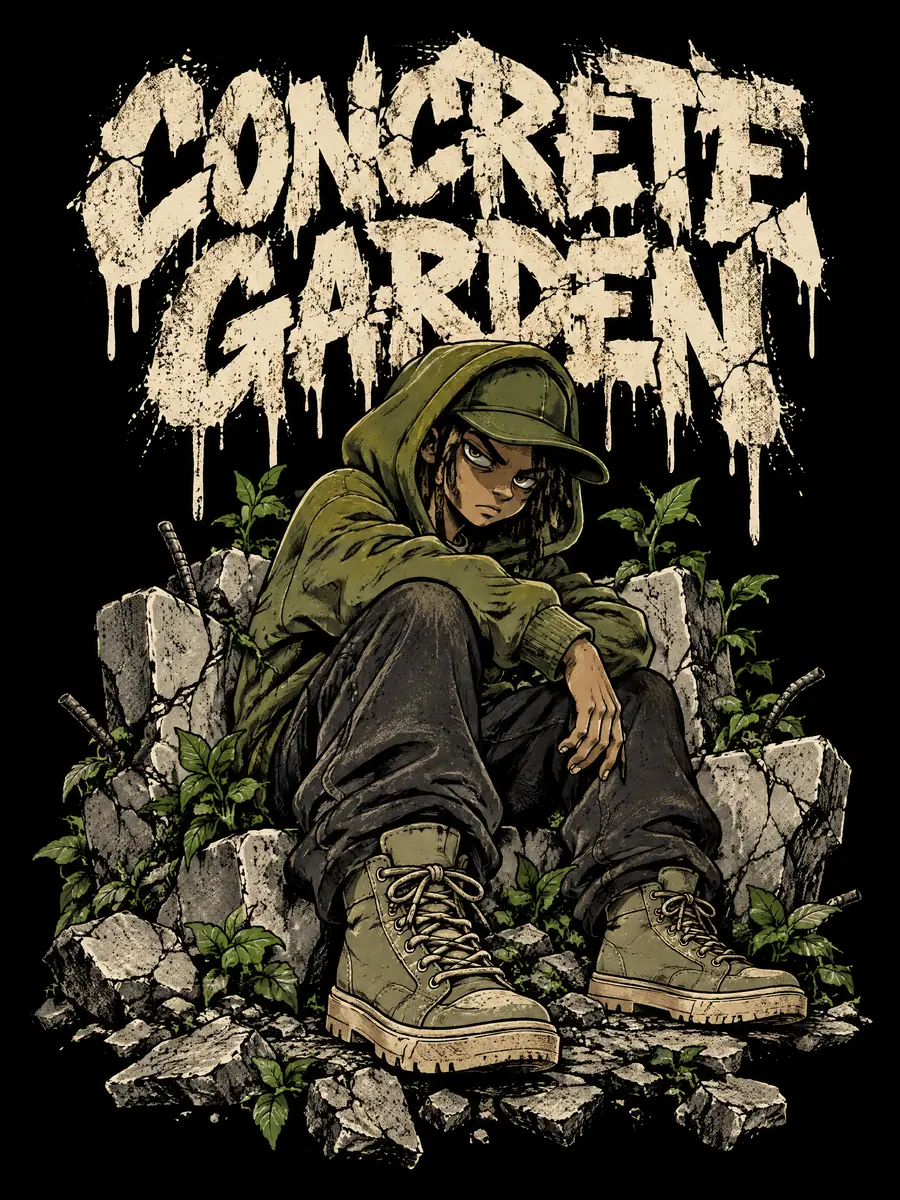
Concept cohesive seasonal drops featuring oversized back-print illustrations, distressed puff-print style lettering, woven-label motifs, and matching front-chest emblems before committing your production budget to physical screen-print or embroidery sample runs.
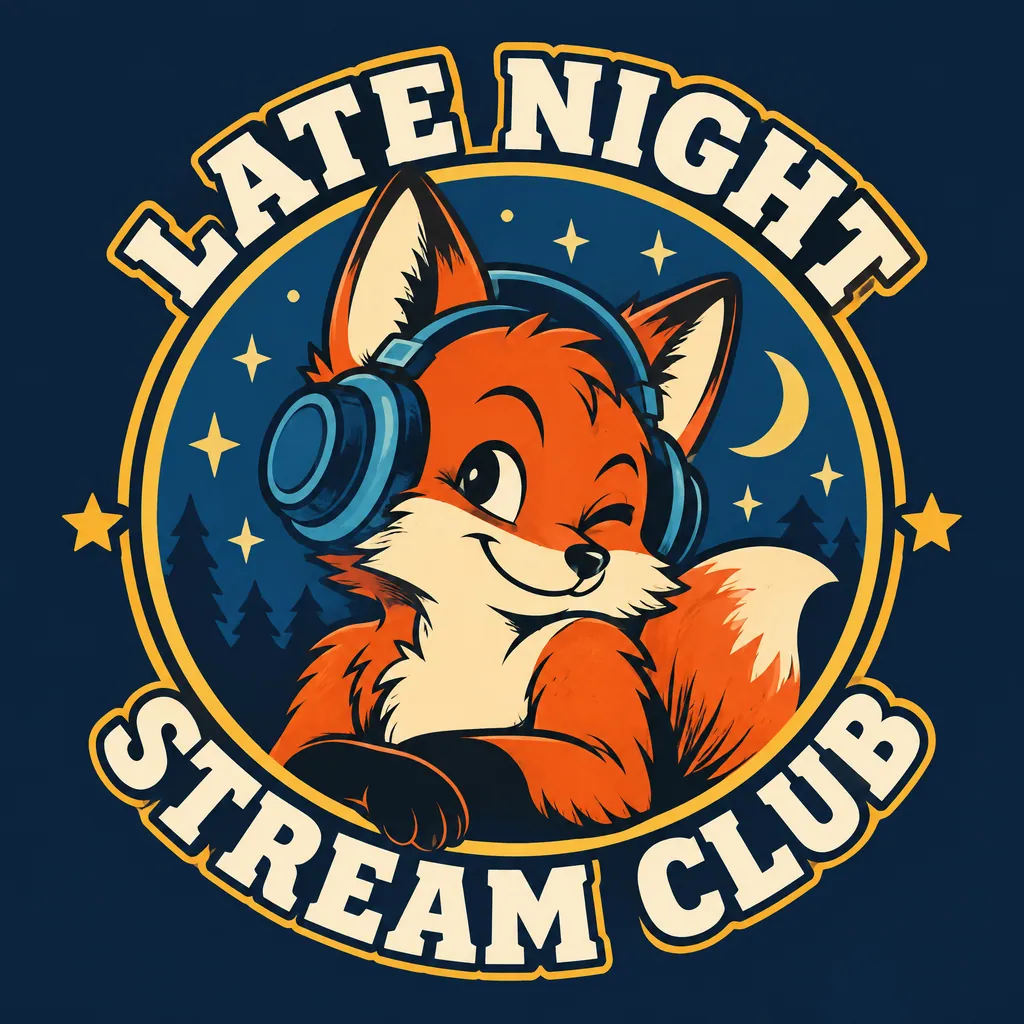
Turn channel catchphrases, community jokes, and mascot characters into wearable fan club merch tees, then pair your apparel drop announcement with matching video covers made in our AI Thumbnail Generator.
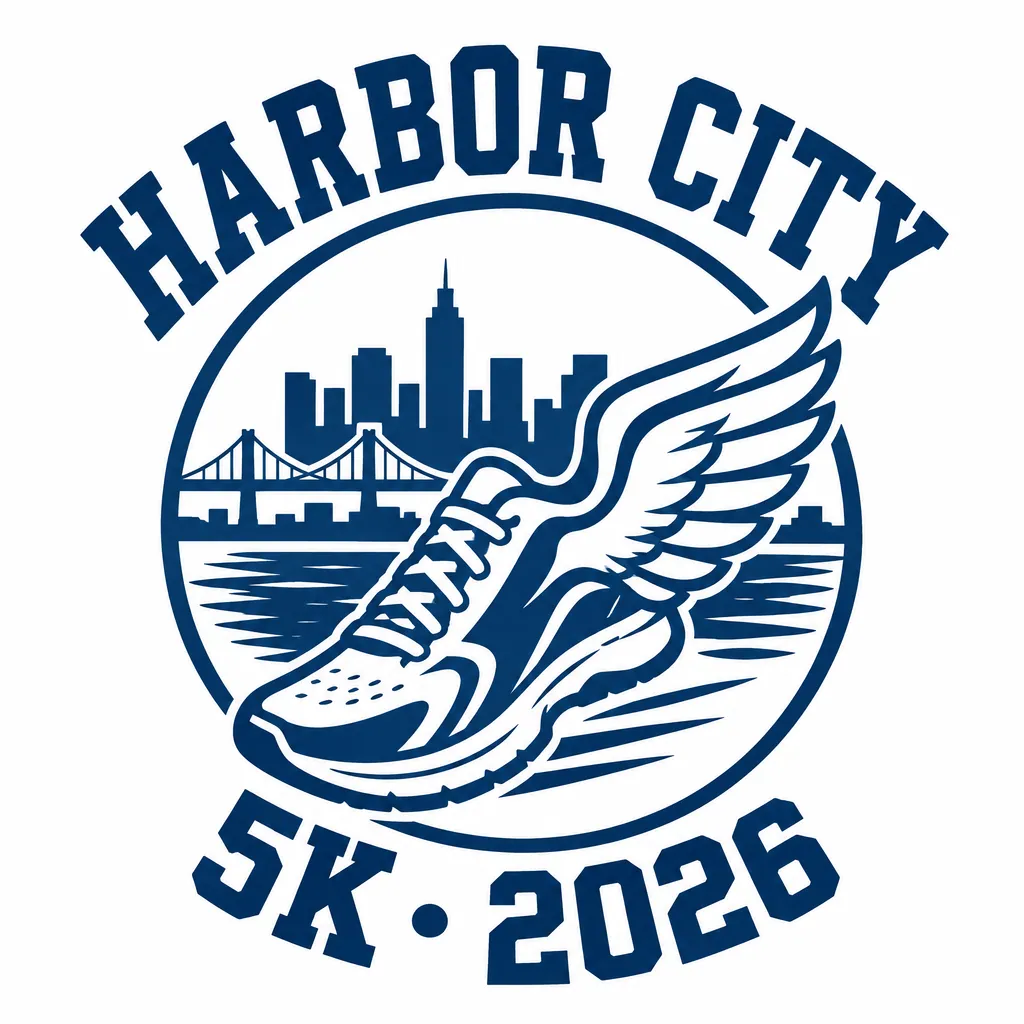
Create memorable charity 5K shirts, startup hackathon tees, family reunion crests, and intramural sports graphics complete with accurate event titles, host city names, team rosters, and established year badges.
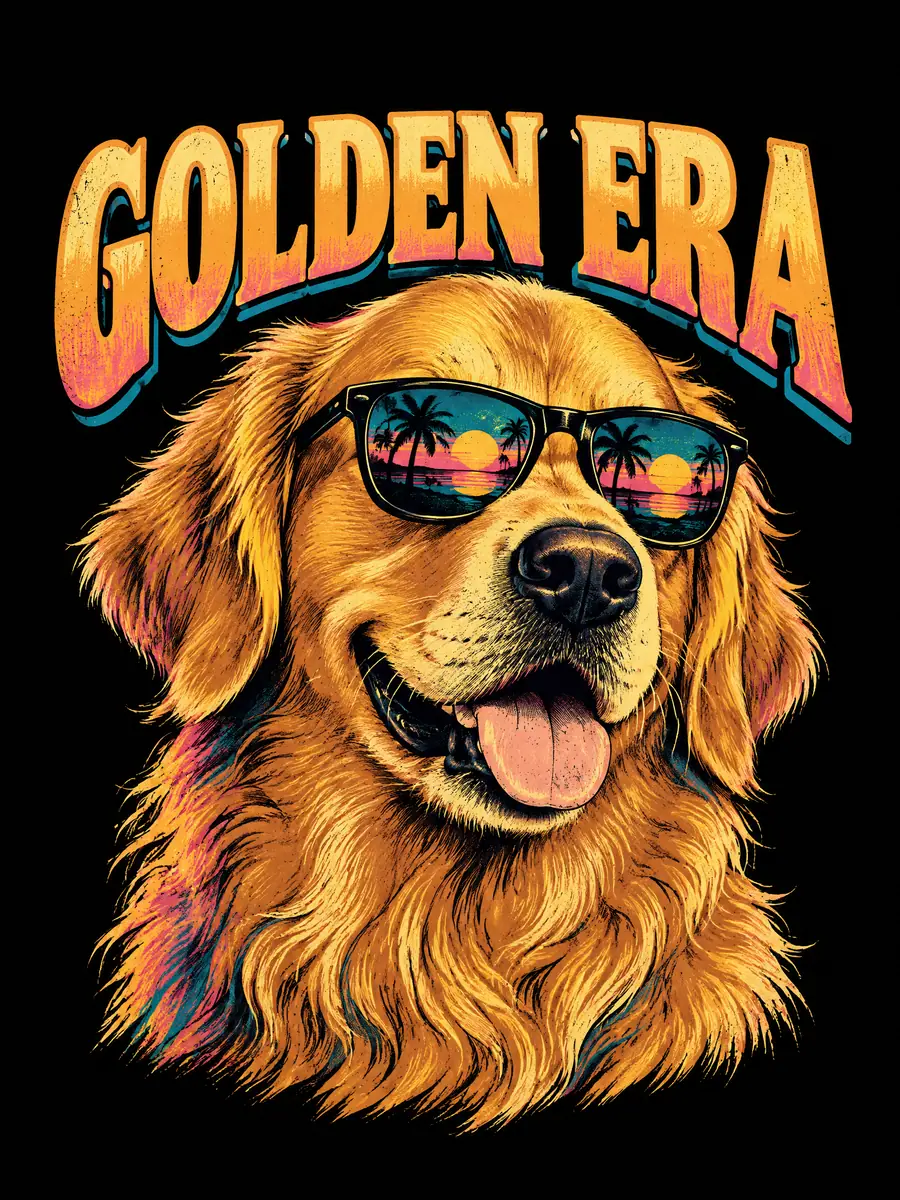
Upload a clear phone photo of a family dog, classic car, or milestone moment in image-to-image mode and transform it into a vintage bootleg tee or retro cartoon illustration shirt.
Small prompt adjustments make a big difference between a busy poster image and an apparel graphic that looks natural on fabric.
Wrap any phrase you want printed—like "NO DAYS OFF"—in double quotation marks and keep slogans under eight words for clean typography.
Include phrases like "isolated centered T-shirt graphic, clean outer contour, solid black background, no mockup frame" so edges stay crisp.
Mention print treatments such as "3-color vintage screen print, distressed cream and burnt orange ink, bold outlines" for authentic apparel texture.
State whether the artwork will sit on black, white, heather gray, or navy fabric so lettering and outer strokes maintain strong contrast.
Switch models directly inside the generator toolbar to match the exact typography accuracy, illustration style, or iteration speed your shirt project needs.
Select this option for multi-word shirt slogans, structured badge layouts, and image-to-image edits that preserve exact wording and reference details up to 4K.
Use these options when your shirt concept combines photorealistic character rendering, multi-image reference consistency, and crisp graphic edges across flexible aspect ratios.
Pick this family—or visit our dedicated Seedream AI Image Generator—for stylized vintage illustrations, rich color harmony, and artistic poster-style apparel graphics.
Switch to this option in Standard or Quality mode for punchy pop-culture aesthetics, bold graphic contrast, and expressive mascot character concepts.
Choose this fast text-to-image option to brainstorm rough niche ideas, silhouettes, and layout directions rapidly while conserving your credit balance.
Find direct answers about free credits, print resolution, typography accuracy, file formats, and commercial licensing before you generate.
An AI T shirt design generator turns plain-English prompts or uploaded reference images into custom graphics, emblems, and slogan artwork tailored for apparel. Instead of manually drawing illustrations or kerning display fonts from scratch, you describe the subject, print style, and quoted text to get downloadable PNG artwork in minutes.
Yes—you receive free starter credits when you sign up with Google or email, plus additional free credits through daily check-ins. Each image generation consumes credits depending on the model and resolution you pick, and you can upgrade anytime on our pricing plans page when you need higher volume.
Place the exact words you want rendered inside double quotation marks, keep the phrase concise, and name the lettering style—such as arched collegiate block, retro groovy script, or bold condensed sans-serif. Choosing one of the text-accurate image models in the toolbar delivers reliable spelling for multi-word shirt slogans.
Yes, on paid plans. Paid plans include commercial use for everything you generate—including print-on-demand storefronts, custom apparel drops, ads, and client merch work. Free credits are for personal and evaluation use only, so upgrade on our pricing plans page before selling printed shirts or digital merch assets.
A mockup tool only pastes an existing graphic onto a blank shirt photo, whereas this workspace generates the original apparel artwork itself. Compared with a single-model generator, genimageai.app lets you switch across multiple top image models, render accurate quoted text, and remix uploaded sketches in one place.
No. The generator exports high-resolution raster PNG files up to 4K rather than layered PSD or AI vector source files, and genimageai.app does not print or ship physical garments. Generating your design on a solid white or black background makes prepping transparent files straightforward in external editing tools before uploading to a print provider.
Select a vertical 3:4 or 4:5 aspect ratio for standard full-front chest and oversized back graphics, or choose 1:1 for symmetric badges and pocket prints. Exporting at 2K or 4K resolution on supported models produces crisp outlines, clean halftone textures, and sharp lettering suited for direct-to-garment and screen printing.
Yes. Open the Image to Image tab in the generator, upload up to 16 reference images (up to 30 MB each on supported models), and describe the modification—such as turning a rough pencil mascot into a bold streetwear graphic or recoloring dark-ink artwork for black cotton tees.
Type a shirt concept or quoted slogan into the generator above, claim your free sign-up credits, and download print-ready tee artwork in minutes.